The travel currency converter that works offline.
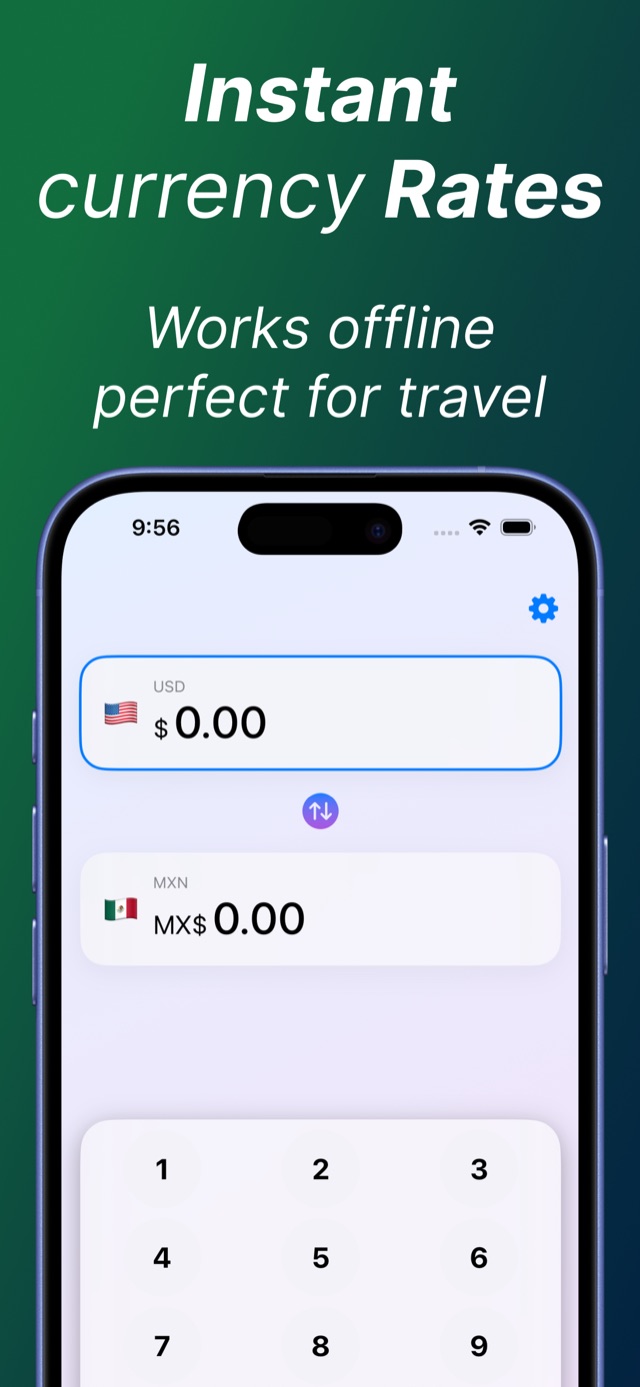
Live exchange rates cached right on your iPhone — so the price of dinner, a taxi, or a market souvenir is one glance away. No Wi-Fi, no roaming data, no panic math.
 ✈ Works offline
⌨ “10 mxn to usd” → $0.56
✈ Works offline
⌨ “10 mxn to usd” → $0.56
Everything you need at the register. Nothing you don’t.
Works offline, everywhere
The latest exchange rates are cached on-device the moment you have signal — and stay usable in airplane mode, on the metro, or deep in a street market. The app shows you exactly how fresh its rates are, so there are no surprises at checkout.
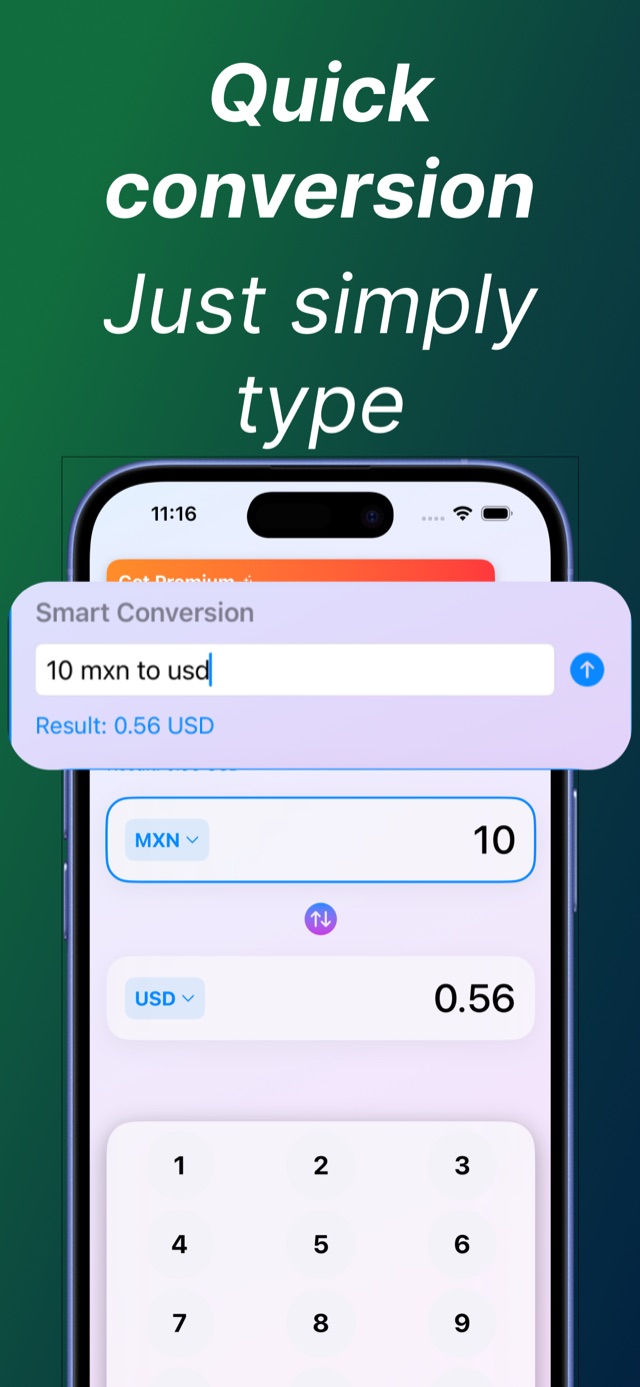
Offline guideType it like you’d say it
Smart Conversion reads natural text. Type “10 mxn to usd” and the answer appears while you’re still typing. No dropdowns, no decimal gymnastics.
Smart Conversion guideRates on your home screen
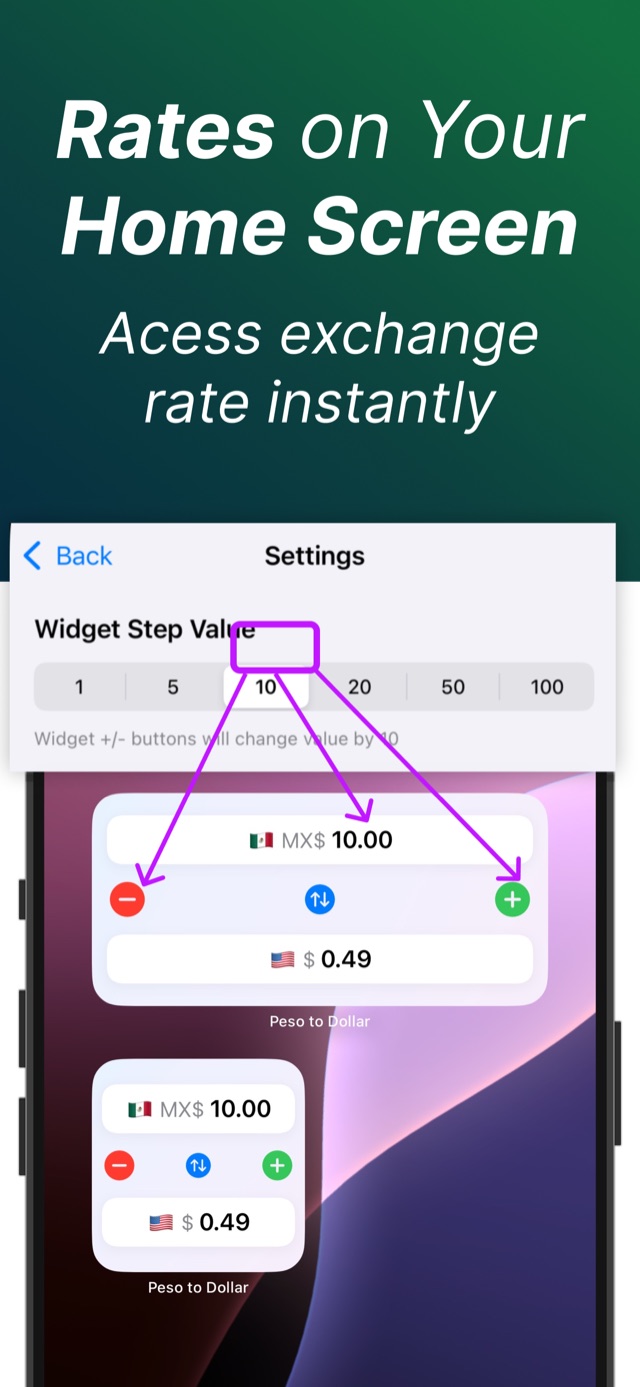
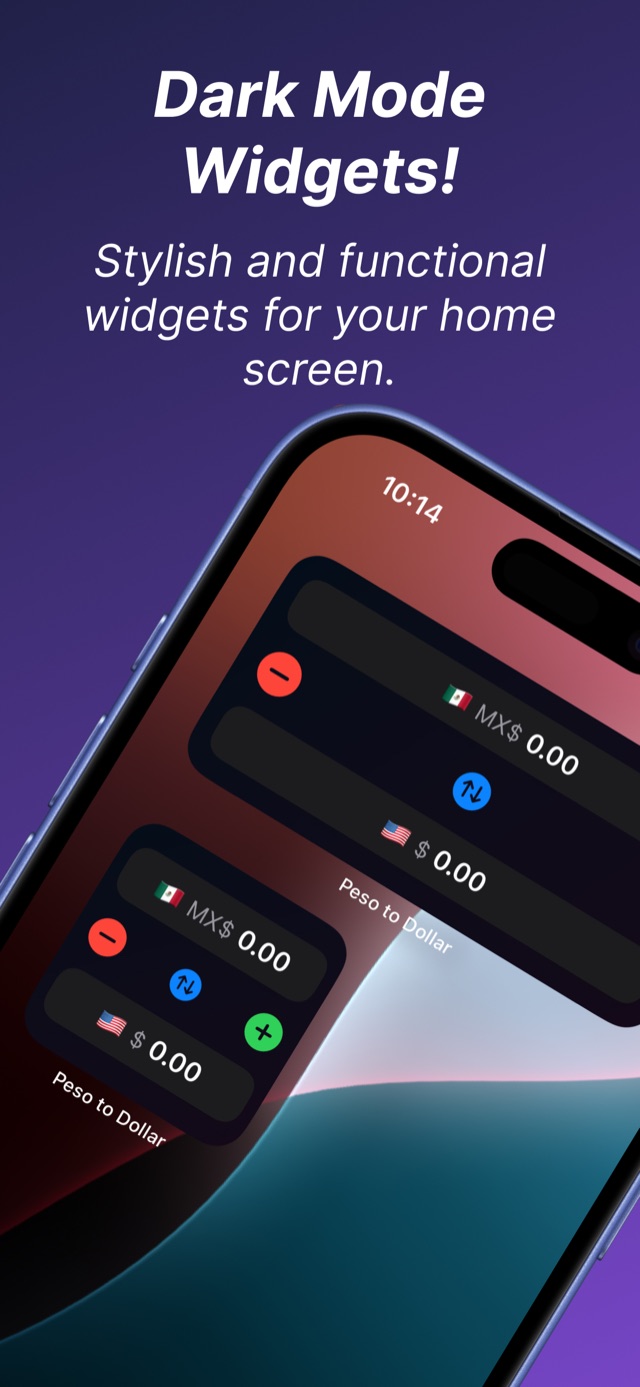
Interactive widgets with +/− steppers and your own step value. Check a rate without ever unlocking the app.
Widget guideLive rates, honest freshness
Rates auto-refresh when you’re connected, and the app tells you when they were last updated — so you can trust the number you quote.
Any pair, remembered
Swap between the world’s major currencies with flag pickers. Your pair persists — dollars to pesos today, yen to euros next trip.
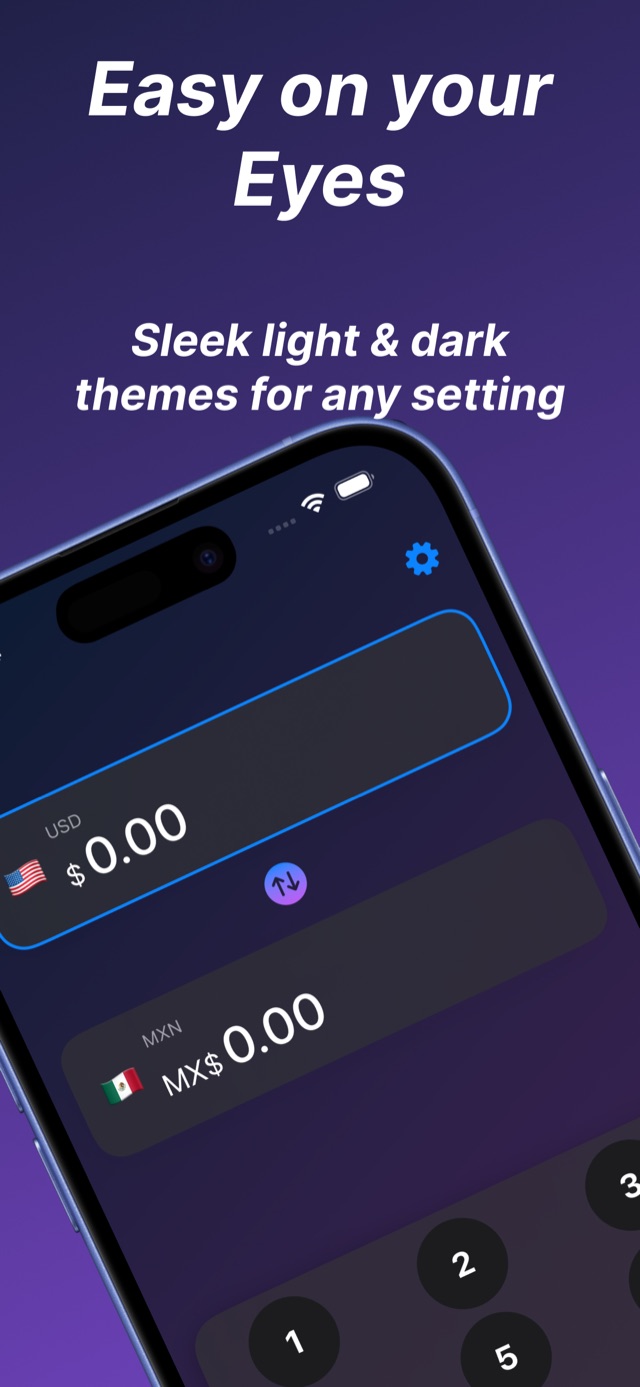
Peso ⇄ dollar guideEasy on your eyes
Sleek light and dark themes — including true dark-mode widgets — for red-eye flights and bright beach glare alike.
Light, fast, focused
An ~11 MB install that opens straight to the keypad. Built for one job: telling you what your money is worth, instantly.
Take the tour.
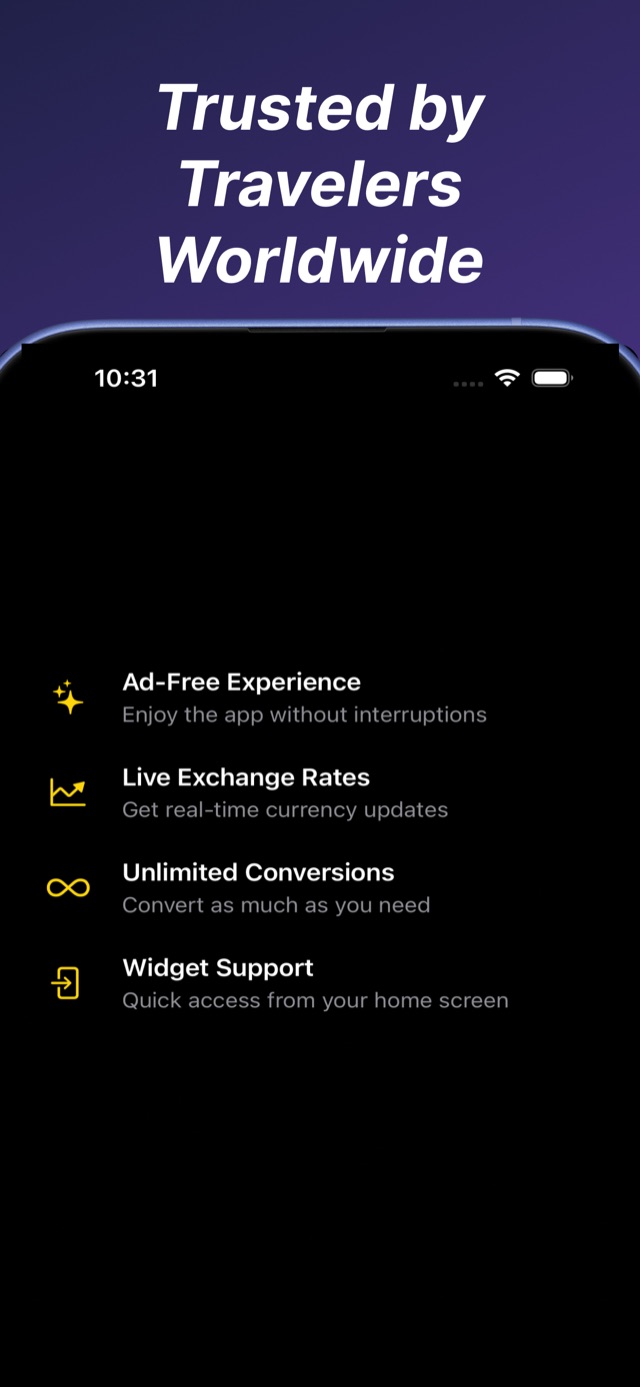
Swipe through the app exactly as it ships — converter, Smart Conversion, widgets, and dark mode.
Three steps. Zero math.
Choose home & destination currencies
Tap the flags to set your pair — USD to MXN, EUR to JPY, anything. The app remembers it, in the app and in your widgets.
Use the keypad — or just type it
Punch in a price on the big keypad, or type “10 mxn to usd” into Smart Conversion and watch the result appear live.
Add the widget and fly
Rates cache automatically while you have signal. At the market, on the plane, off the grid — your converter keeps working.
Guides for smarter conversions.
Short, practical answers to the currency questions every traveler Googles — and how the app solves each one.
How to convert currency while traveling
The 3-second mental model, when to trust card rates, and how to check any price without data roaming.
Read the guideOffline currency converter for travel
Why offline mode matters abroad, how rate caching works, and how to prep your phone before takeoff.
Read the guideBest currency converter app for iPhone
What actually matters in a converter — offline rates, widgets, speed — and a checklist to judge any app.
Read the guideCurrency converter widget for iPhone
Add a live exchange-rate widget to your home screen, set a step value, and convert without opening an app.
Read the guideConvert currency by typing “10 mxn to usd”
Natural-language conversion: type a phrase, get the number. The fastest way to answer “wait, how much is that?”
Read the guidePeso to dollar converter (MXN ⇄ USD)
Convert Mexican pesos to US dollars instantly — in the app, by typing, or right from a home-screen widget.
Read the guideFrequently asked questions.
Does the currency converter work offline?
How do I convert currency while traveling?
Can I put a currency converter widget on my home screen?
Can I convert currency just by typing a sentence?
How do I convert Mexican pesos to US dollars?
Is the app free?
How current are the exchange rates?
Which devices does it support?
Land knowing what your money is worth.
Free on the App Store. Offline-ready before your flight boards.